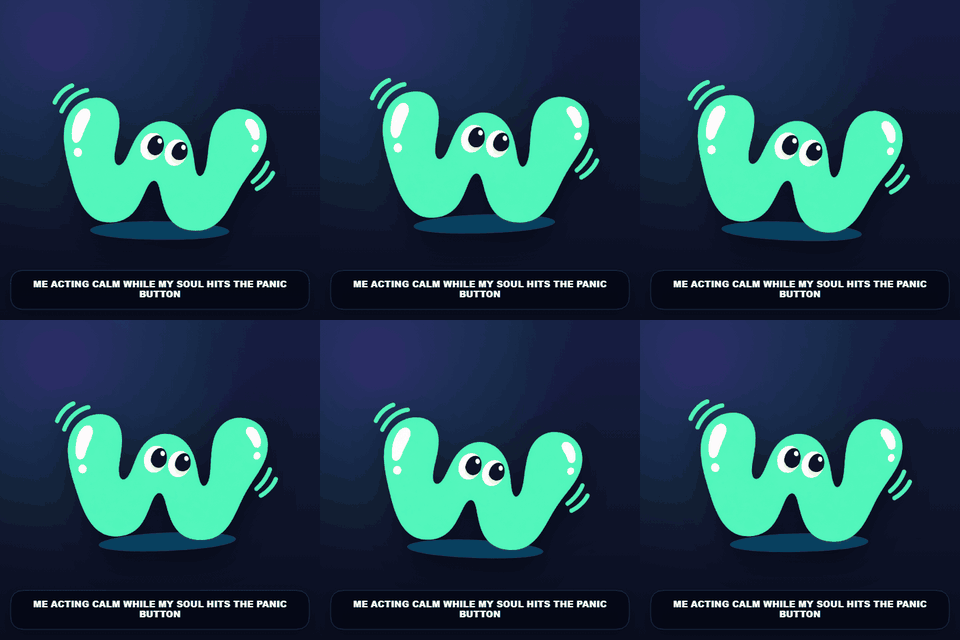
Bouncing reaction memes
Bouncing reaction meme maker with captions built in.
You do not need a video editor to make a reaction meme that bounces, sways, or shakes — and you should not need a second app to add the joke either. WobbleMint applies the motion from a library of nine named presets and bakes your caption into the same export: upload a photo, choose the bounce, type the line, and download an MP4, WebM, or looping GIF.
Free captioned reaction meme maker — one-click wobble motion, on-image captions, no signup, and local video or GIF export.
Find a bounce that matches your reaction.
Try Panic Bounce for a nervous reaction, Victory Pop for a celebration, or Hyper Zoomies for an overexcited moment. Preview the examples below, then use the same motion with your own photo and caption. Advanced controls let you adjust the intensity and speed before exporting.

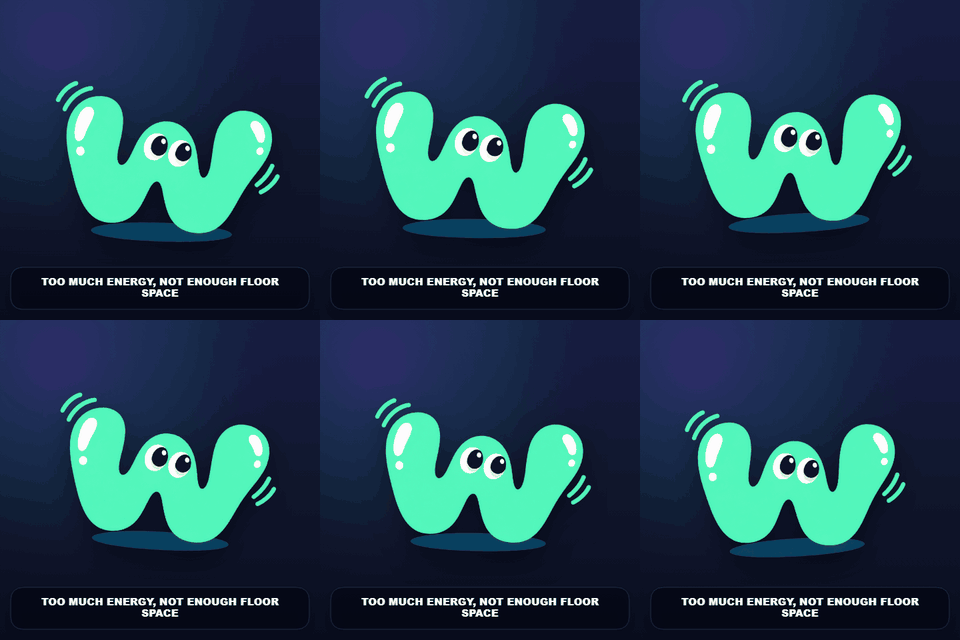
Make a bouncing reaction in three steps
- Choose a still image with a clear expression. Start with Panic Bounce for nerves, Victory Pop for a win, or Hyper Zoomies for excitement.
- Add a short caption such as “when the plan actually works.” Leave space around the face so the bounce and caption both remain visible.
- Adjust Intensity and Speed under Advanced motion, then export a looping GIF or browser-supported MP4/WebM video.
If the subject leaves the frame, reduce zoom or intensity. Contain leaves space around the picture; Cover fills the output and may crop its edges. Review several repeats in the downloaded animation before sharing.