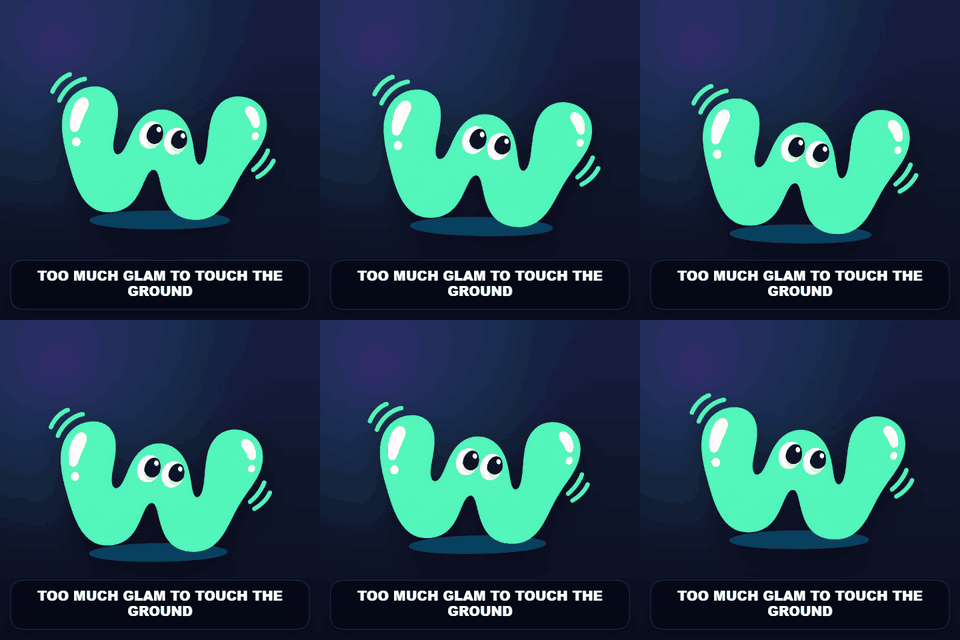
Idol Float
Smooth theatrical motion for fandom edits and iconic poses.
Turn a still photo into a soft, jiggling reaction GIF. Paint a cheek, ear, plush toy, or pudding with a motion mask while the unpainted areas stay still. WobbleMint combines local bending and on-image captions in the same editor, with no account or image upload.
Your photo stays on your device while you edit. No image upload, no render queue, no watermark.
Whole-image preset example
Begin with a broad, soft mask and modest motion. If an outline looks stretched, lower Amount and soften the transition into the stationary image. Use Pulse for a breathing effect or Sway for a gentle sideways bend. Advanced controls adjust the shared speed and intensity. GIF exports are capped at 480 pixels wide.
Paint regions bends only the areas covered by your masks. Whole image mode applies one of nine motion presets to the entire photo. Switch modes to choose the effect you need; both can include a caption.