What Is a Wobble Effect GIF? Motion, Masks, and Captions
By WobbleMint ·
A wobble effect GIF turns a still picture into a repeating movement: a gentle sway, a nervous shake, a bounce, or a soft bend. The motion gives a reaction image its delivery; the caption tells the viewer what the reaction is about.
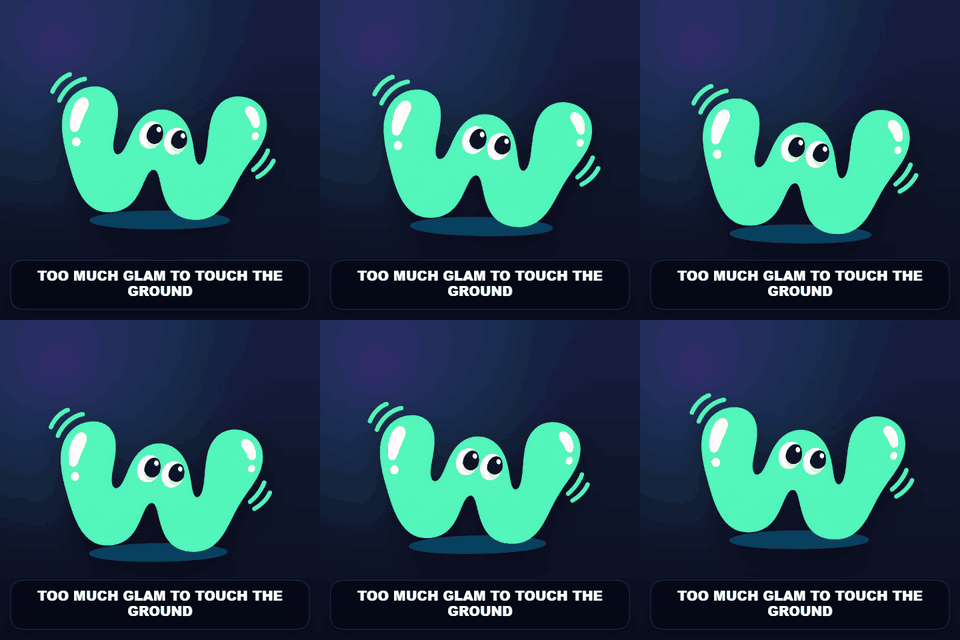
Two different ways to make a picture wobble
A whole-image wobble moves the picture as one piece. Translation shifts it sideways or vertically, rotation tilts it, and scale makes it grow or shrink. This works well when the entire reaction should feel excited, smug, or panicked. WobbleMint has nine named presets for this approach.
Local deformation bends selected parts of the picture. A painted motion mask tells the editor where movement is allowed. You might animate an ear while leaving the eyes still, or make a pudding flex while keeping its plate anchored. Soft edges let the moving area blend into its surroundings.
Choose the motion that supports the joke
A useful first check is whether the subject should look rigid or flexible. A framed screenshot usually reads better as a moving rectangle. A soft part of a character can benefit from a painted region. You can switch between the two approaches in the editor.
- Use Idol Float or Boss Sway for a slow, restrained reaction.
- Use Panic Bounce when the whole subject should spring or fidget.
- Use Gremlin Shake for a quick tremble and Hyper Zoomies for more chaos.
- Use Paint regions with Jelly for soft bending, Sway for a sideways movement, or Pulse for a breathing effect.
Keep the caption readable
Try writing the caption before increasing the intensity. A line such as “me after one iced coffee” can carry the joke with a small movement. Longer captions need more space and may cover the detail you want to animate.
WobbleMint draws the caption over the animation, so the text stays steady while the photo moves. Place it at the top or bottom and watch the entire loop. Check both the motion and the text in the downloaded file before sharing.
What the effect can and cannot do
A local wobble stretches the pixels already in your photo. It does not reveal a real background hidden behind the subject or create a new camera angle. Strong motion near a sharp outline can therefore look smeared. Lower the amount and soften the mask when that happens.
Start from a still image. WobbleMint creates a new animation from that image; it is not a frame-by-frame editor for an existing animated GIF or a video clip. Your photo and masks are processed locally in the browser.